Cybersecurity for Humans :– How Your Secret Messages Stay Secret
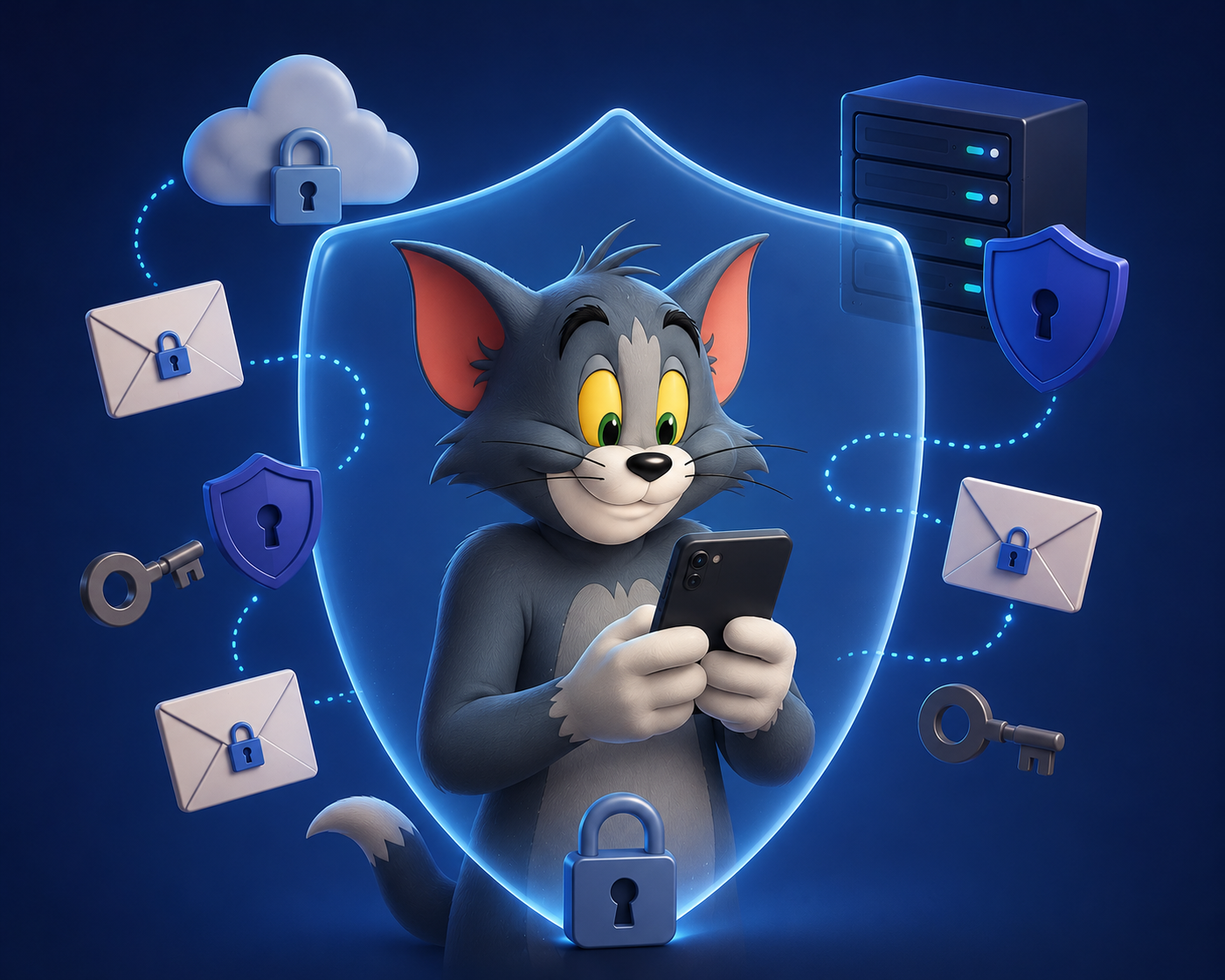
We use passwords, banking apps, and chat apps every single day, completely trusting that our private information isn't floating around for any random hacker to grab. But how does that actually work? If data is just signals flying through the air or through cables, why can't someone just intercept it?
The magic shield protecting your digital life is called encryption. Don't let the mathematical sounding name scare you—encryption is just a digital version of a classic playground secret code, supercharged by modern technology.
The Padlock and Key Analogy
Most modern apps (like WhatsApp or secure banking sites) use something called End-to-End Encryption. To understand it, let’s imagine you want to send a secret letter to a friend named Alex, but you don't trust the mail carrier.
Instead of writing the letter in plain text, you put it inside a sturdy metal box and lock it with a padlock. However, you don't send the key. You send the locked box across town. When Alex receives the box, they put their own padlock on it alongside yours and send it back to you. When you get it back, you take your original lock off, leaving only Alex's lock. You send it back one last time. Now, Alex can open it with their own key.
In the digital world, this game of musical padlocks happens automatically in milliseconds using Public and Private Keys:
The Public Key: This is a padlock that anyone can see and use to lock a box.
The Private Key: This is the physical key that stays safely on your device. Only your private key can open boxes locked by your public key.
Why Simple Passwords Fail (And How to Fix It)
Hackers rarely guess passwords character by character anymore. Instead, they use computers that can try billions of common combinations every single second. If your password is your dog's name followed by "123", a computer will crack it before you can finish blinking.
Length beats complexity: A password like
CorrectHorseBatteryStaple(long but easy to remember) takes exponentially longer to crack thanP@$$w0rd!.Use a Manager: Stop trying to remember 50 different passwords. Use a digital password manager to generate and store them for you.
Turn on 2FA: Two-Factor Authentication (where you get a text or app code after entering your password) is like adding a physical deadbolt to your digital door. Even if a hacker steals your password, they still can't get in without your physical phone.